1
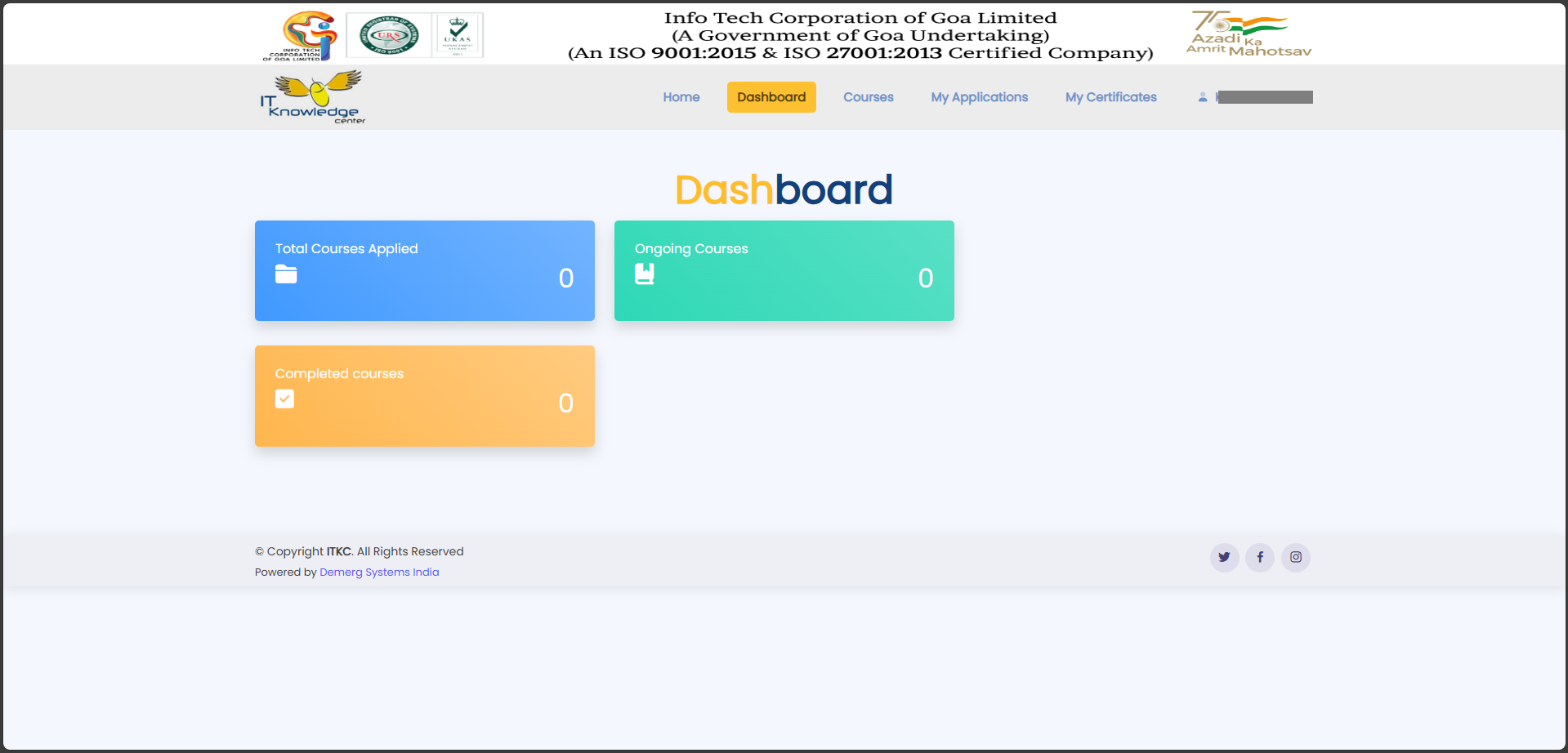
Open ITKC Portal
Visit https://itkc.goa.gov.in and click on the Registration button.

2
e-Pramaan Login Page
You will be redirected to the MeriPehchaan login page.

3
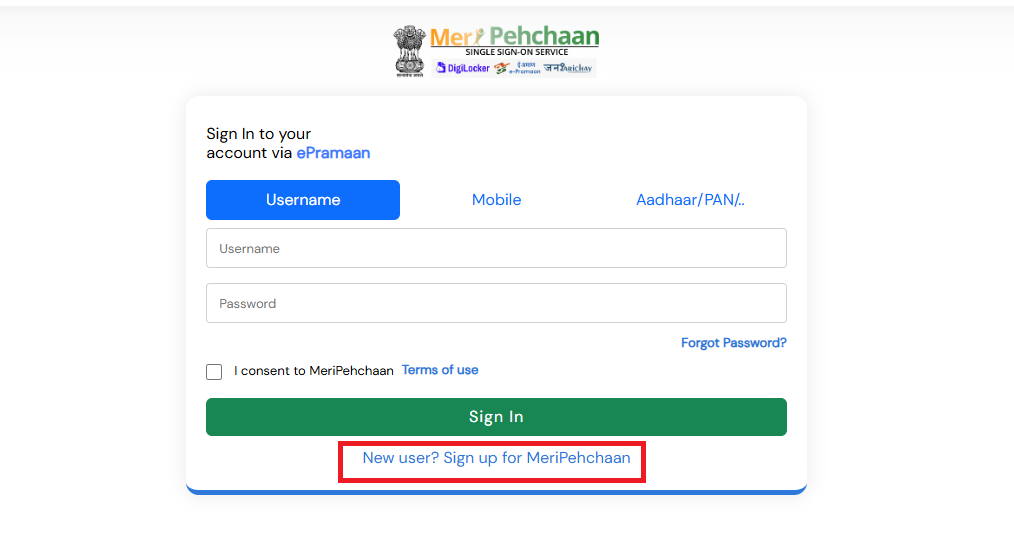
Signup for MeriPehchaan
New users must click “Signup for MeriPehchaan”.
4
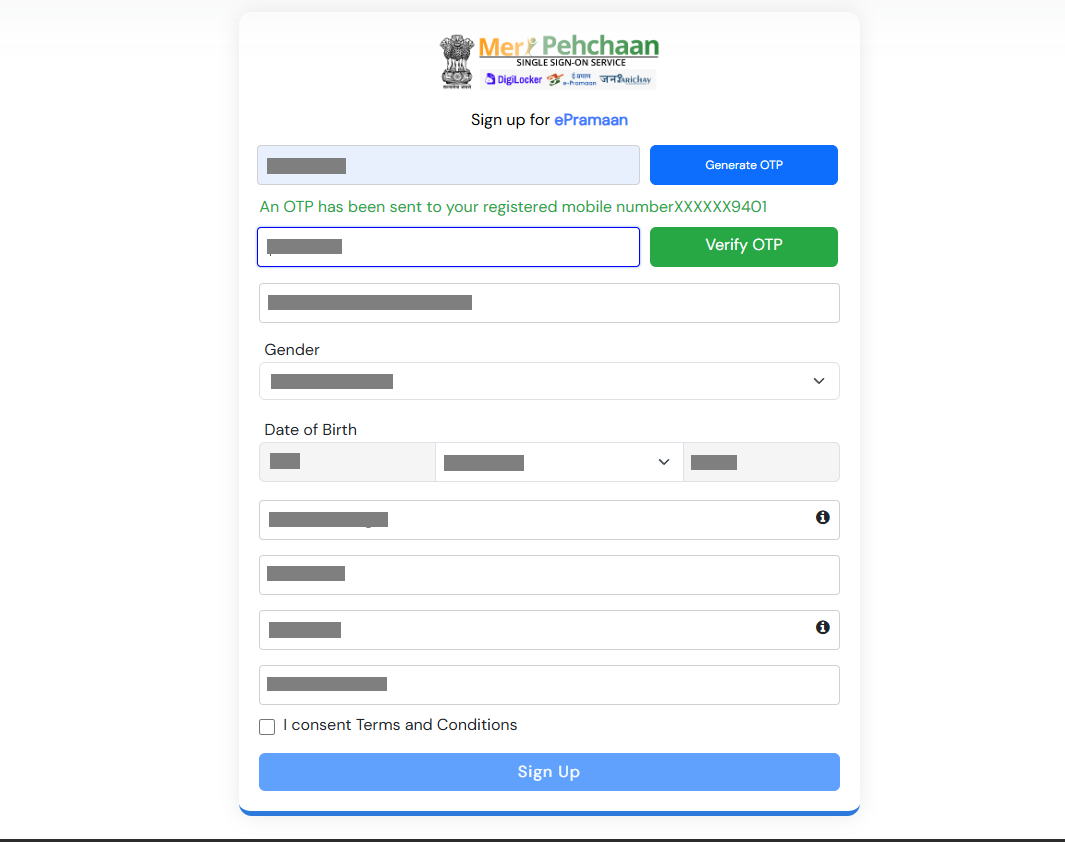
Generate OTP
Enter the mobile number linked with Aadhaar and generate OTP.

5
Verify OTP & Fill Details
Verify OTP and complete the registration form.
6
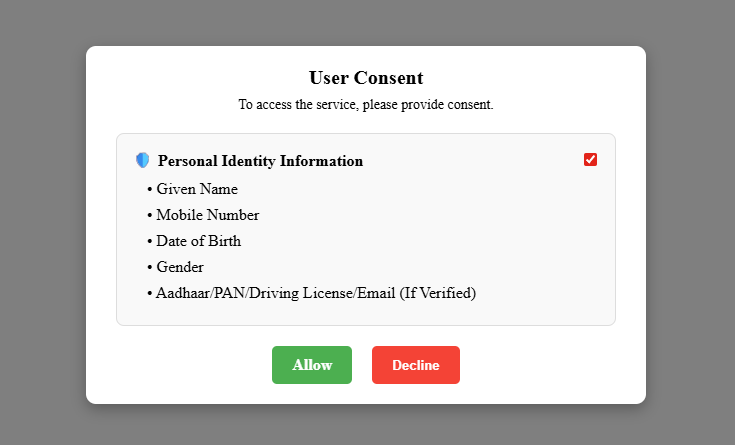
User Consent
Review the information and click Allow to proceed.
7
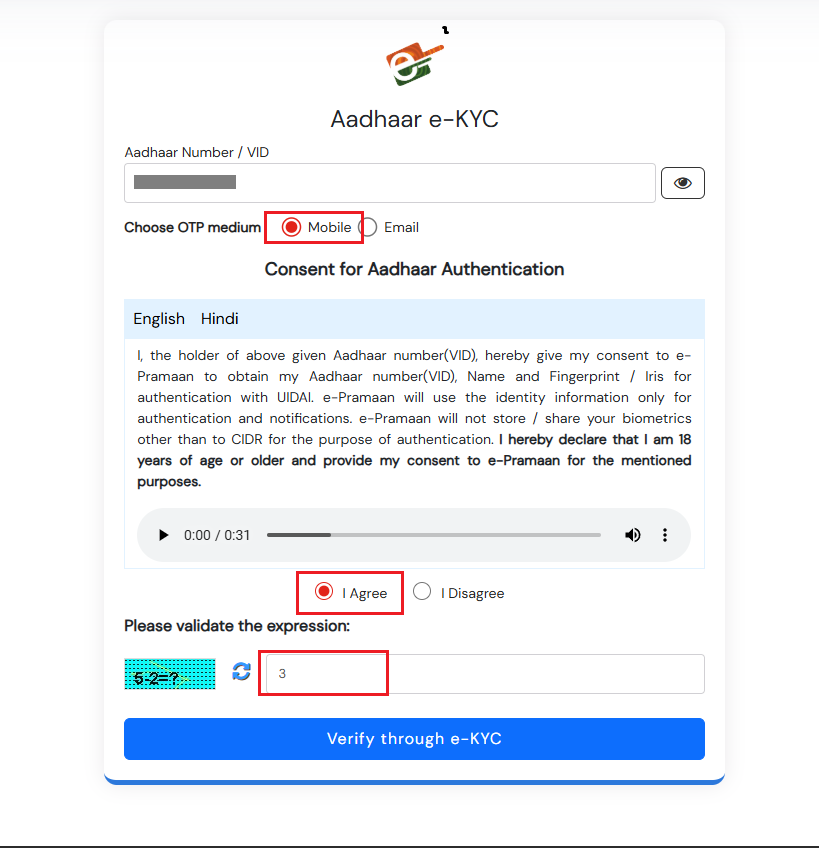
Aadhaar e-KYC Consent
Provide consent for Aadhaar e-KYC verification.
8
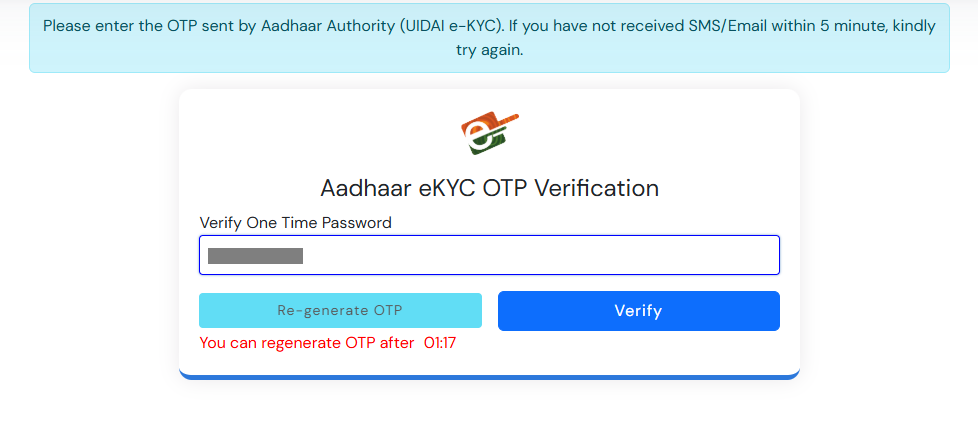
e-KYC OTP Verification
Enter the OTP received on your registered mobile number.
9
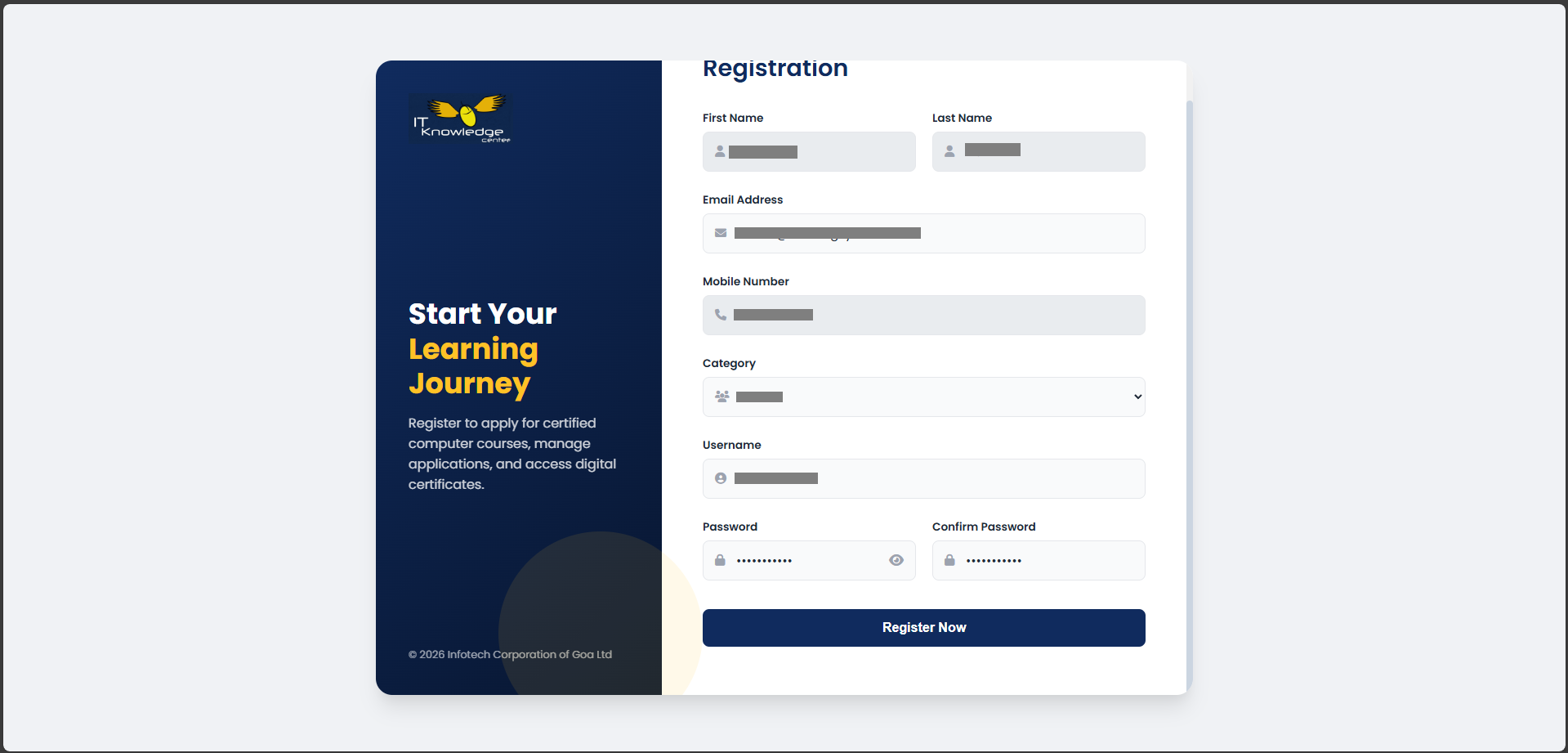
ITKC Registration Form
Fill email, category, username, and password.
10
Registration Success
You will be redirected to the dashboard after successful registration.